How Can We Help?
-
Operations
- Using the Genius Checklist System (Web Based)
- Using the Genius Security Checklist System (Mobile App)
- Using the Genius Cleaner Checklist System (Mobile Website)
- Work Orders
- Work Orders - Corrigo Integration
- How to approve Work Orders that have been rejected - For State Managers
- Service Provider Staff – Quote Submission and Work Completion Evidence
- Planned Preventative Maintenance (PPM)
- Assign a CSM to a Site
- Assign a Site Manager to a Site
- Escalations
- Processing a Missed Clean Credit
- Processing a Missed Clean Makeup
- QA Records
- QA Report Client Recipient
- QA Report Settings
- Timesheet Lock
- Incident Register
- Incident Register on Mobile App (For employee)
- Checklist Reports
- Bulk Accepting Work Orders
- Missed Service Report
- Create Checklists & Manage Schedules
- Show all articles (8) Collapse Articles
-
CRM/BD
-
Roster/Timesheets
-
HR
- Adding Client Induction Documents
- Check Pending/Completed Conversions
- Conversion of Employment
- Create Leave Requests on behalf of Field Staff/Cleaners
- Leave Request Process
- Partial Leave
- HR Conversion of Employment
- HR FAQ
- HR Onboarding – How to upload a file
- HR Onboarding Admin Guide
- HR Onboarding Guide
- HR Schedule
- Onboarding – Updating Your Ezko Onboarding Record
- Onboarding – Updating Your SKG Onboarding Record
- Onboarding - Updating TFN
- Onboarding – Updating Bank Details
- Onboarding – Uploading Super Form
- Onboarding – Uploading Tax Form
- Onboarding Invitation Logs
- Onboarding Workflow
- Remove-Cancel Onboarding Invitation
- Schedule
- SP Onboarding
- Terminating a Service Provider Staff
- Terminating an Employee
- Corporate Onboarding Guide
- Corporate Onboarding Admin Guide
- Show all articles (12) Collapse Articles
-
Other
- I am having trouble logging into the SKGenius
- Getting Started with Client Portal
- Mobile NFC Check In
- Audit Log
- Create Folder
- Forgot Your Password
- How to reset a password for Field Staff as a Corporate Staff
- Roles
- Uploading Documents to the SKG IMS
- User Assignment
- User Management
- Public Holiday Management
-
Time and Attendance
-
SP Portal
< All Topics
Print
Login To SKGenius
Posted
Updated
Byaudigital
This is an instruction for the SP staff to login to SKGenius.
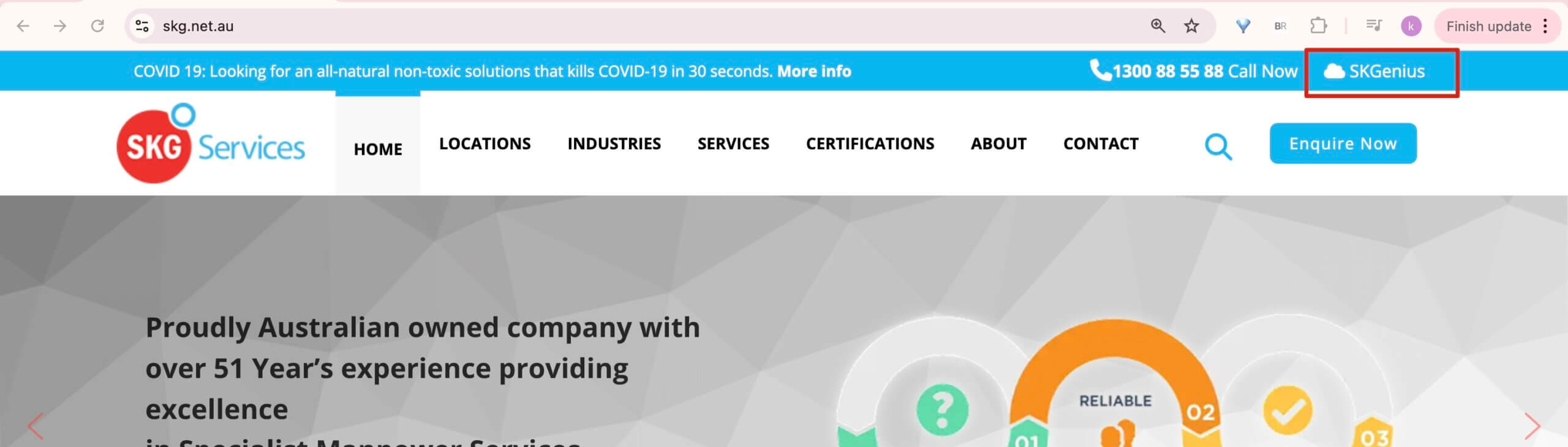
- Open https://www.skg.net.au/ and click on SKGenius at the top right corner.
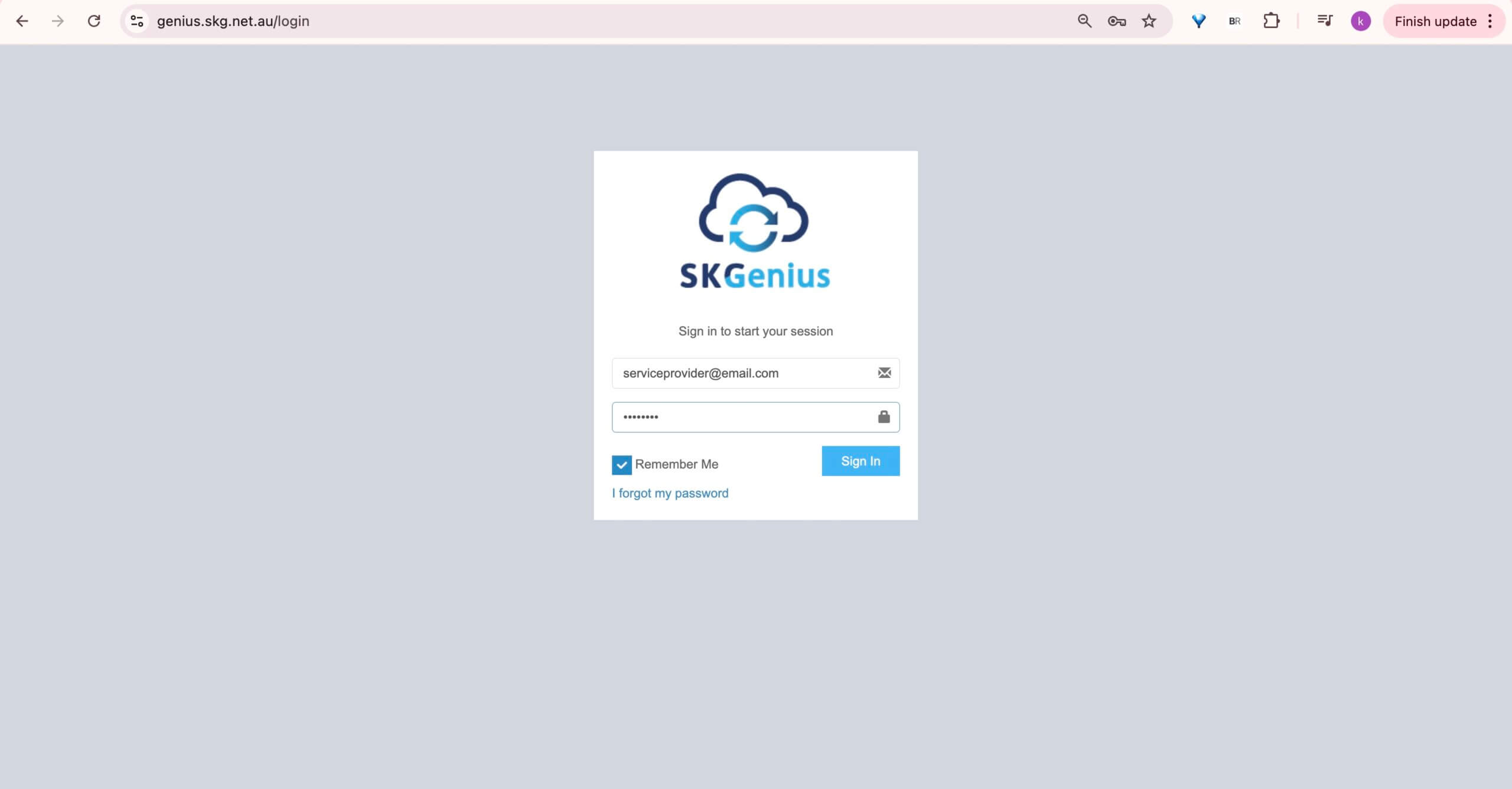
- This will take you to the login page, enter your username and password.
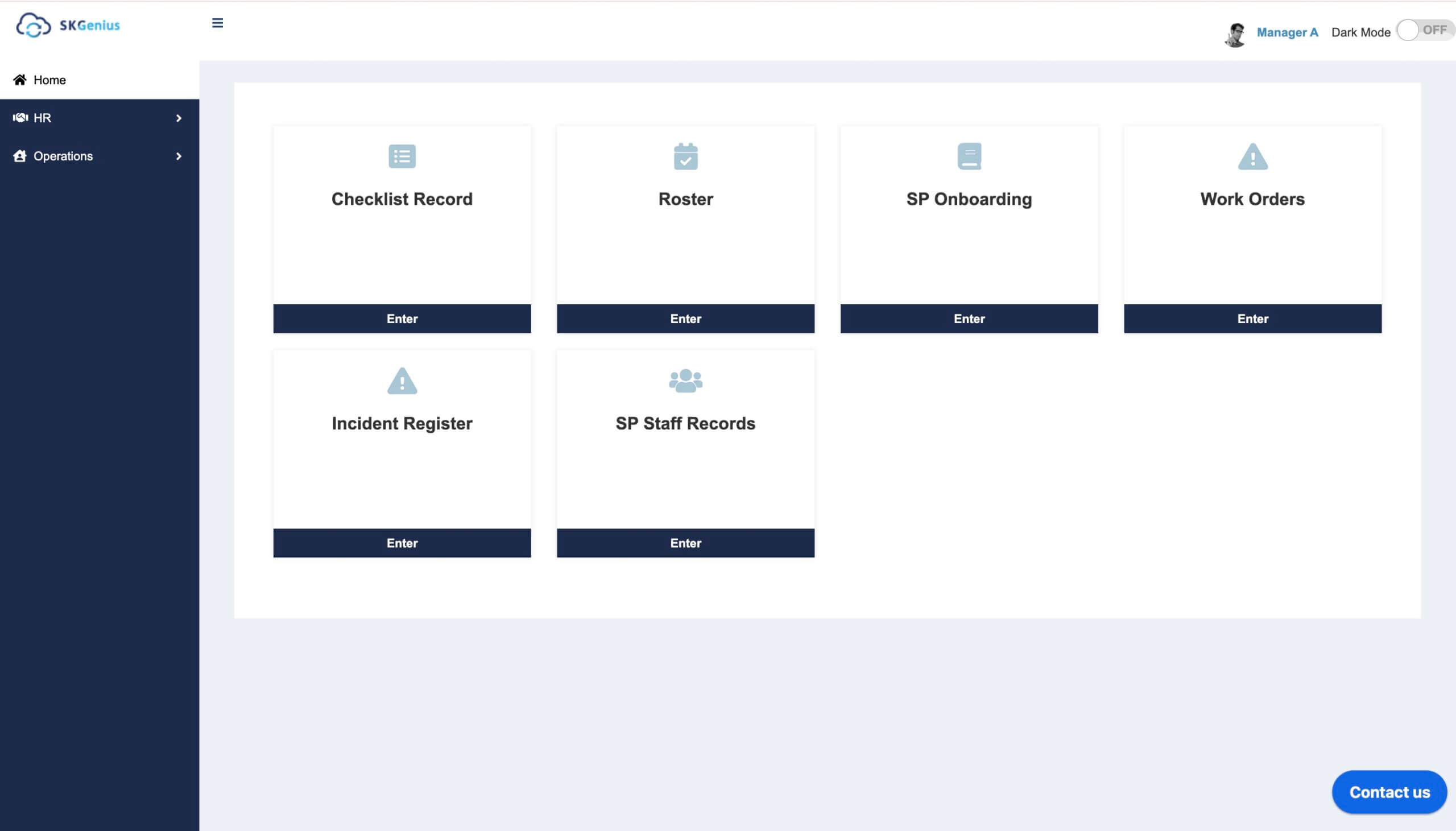
Once the correct email is entered, you will receive an email with a link to reset the password.
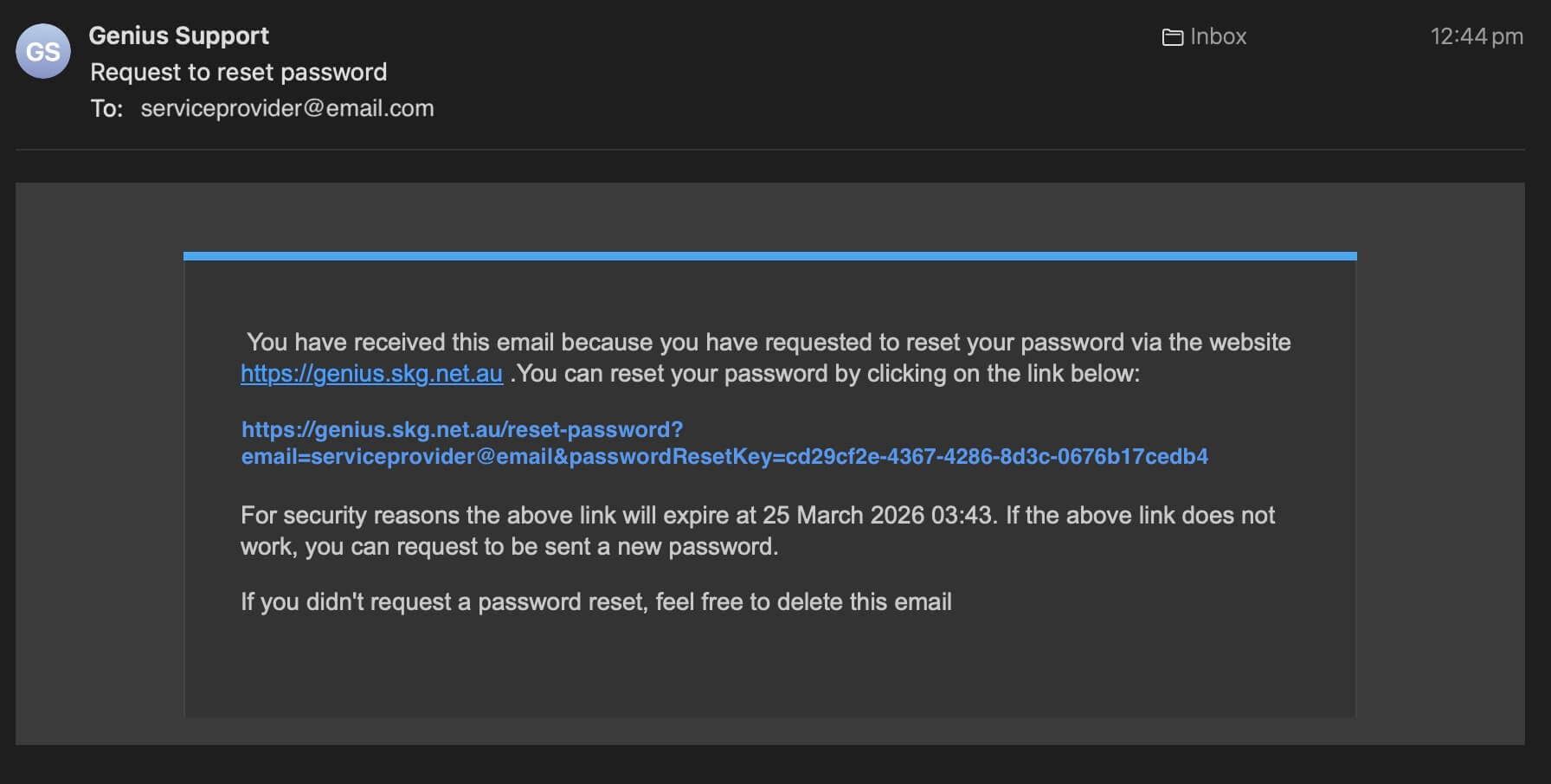
- If you forgot your password, use the “I forget my password” to enter your email and reset the password.
Once you entered your correct email, you will receive an email with a link to reset the password.
- Enter a new password and confirm the reset.
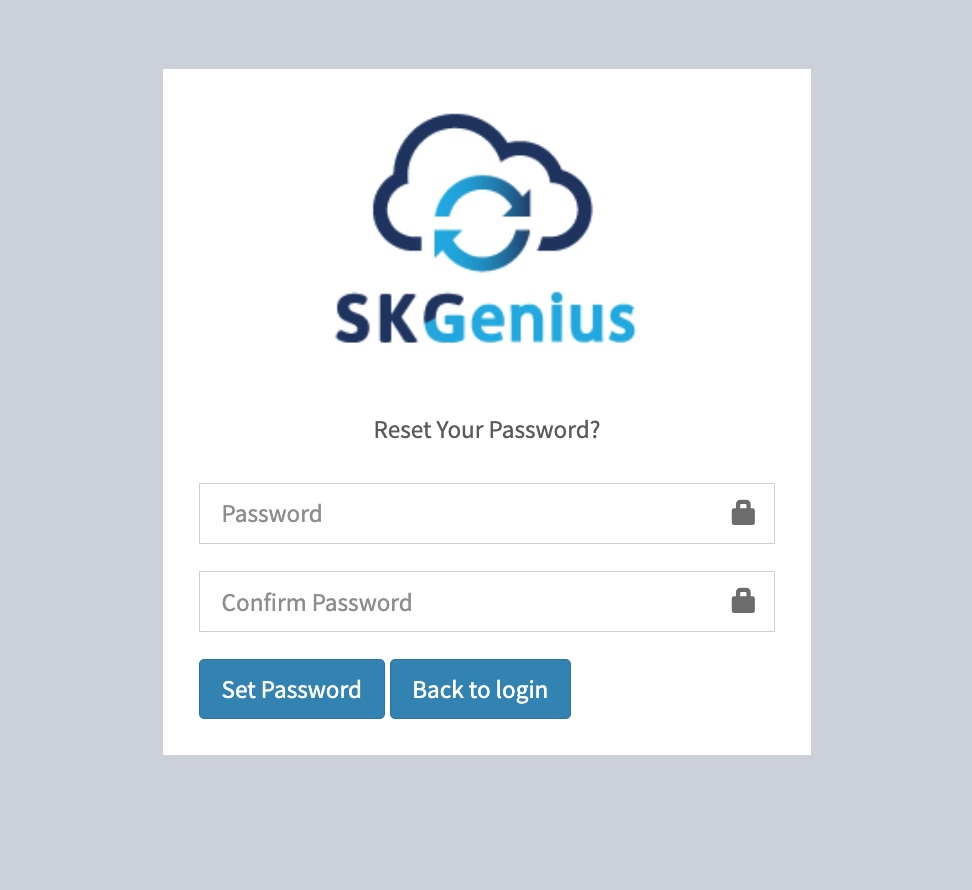
Table of Contents