How Can We Help?
-
Operations
- Using the Genius Checklist System (Web Based)
- Using the Genius Security Checklist System (Mobile App)
- Using the Genius Cleaner Checklist System (Mobile Website)
- Work Orders
- Work Orders - Corrigo Integration
- How to approve Work Orders that have been rejected - For State Managers
- Service Provider Staff – Quote Submission and Work Completion Evidence
- Planned Preventative Maintenance (PPM)
- Assign a CSM to a Site
- Assign a Site Manager to a Site
- Escalations
- Processing a Missed Clean Credit
- Processing a Missed Clean Makeup
- QA Records
- QA Report Client Recipient
- QA Report Settings
- Timesheet Lock
- Incident Register
- Incident Register on Mobile App (For employee)
- Checklist Reports
- Bulk Accepting Work Orders
- Missed Service Report
- Show all articles (7) Collapse Articles
-
CRM/BD
-
Roster/Timesheets
-
HR
- Adding Client Induction Documents
- Check Pending/Completed Conversions
- Conversion of Employment
- Create Leave Requests on behalf of Field Staff/Cleaners
- Leave Request Process
- Partial Leave
- HR Conversion of Employment
- HR FAQ
- HR Onboarding – How to upload a file
- HR Onboarding Admin Guide
- HR Onboarding Guide
- HR Schedule
- Onboarding – Updating Your Ezko Onboarding Record
- Onboarding – Updating Your SKG Onboarding Record
- Onboarding - Updating TFN
- Onboarding – Updating Bank Details
- Onboarding – Uploading Super Form
- Onboarding – Uploading Tax Form
- Onboarding Invitation Logs
- Onboarding Workflow
- Remove-Cancel Onboarding Invitation
- Schedule
- SP Onboarding
- SP Onboarding - Continue/Edit your onboarding record
- Terminating a Service Provider Staff
- Terminating an Employee
- Corporate Onboarding Guide
- Corporate Onboarding Admin Guide
- Show all articles (13) Collapse Articles
-
Other
- I am having trouble logging into the SKGenius
- Getting Started with Client Portal
- Mobile NFC Check In
- Audit Log
- Create Folder
- Forgot Your Password
- How to reset a password for Field Staff as a Corporate Staff
- Roles
- Uploading Documents to the SKG IMS
- User Assignment
- User Management
- Public Holiday Management
-
Time and Attendance
< All Topics
Print
Corporate Onboarding Admin Guide
Posted
Updated
Byaudigital
Corporate Onboarding allows you to invite new corporate staff
Inviting an corporate staff in SKGenius will send them an email with a link to a 5-step form. Once the staff saves their form, their details will automatically show in HR Onboarding.
These details include:
- Personal Details
- Documents
- Bank Details
- Medical Information
A copy of the employee’s application can be viewed in HR Onboarding.
Inviting a new employee
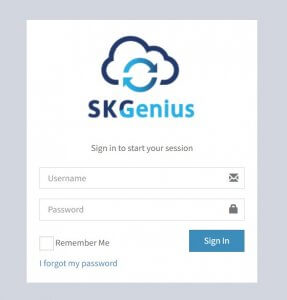
- Log in to SKGenius
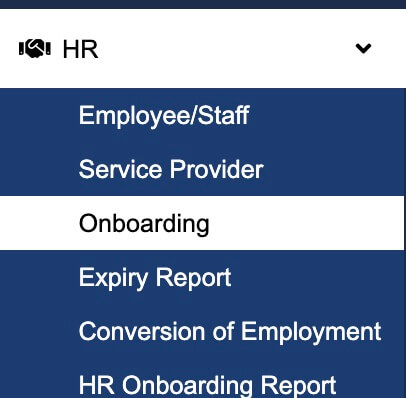
- Go to “HR” -> Onboarding
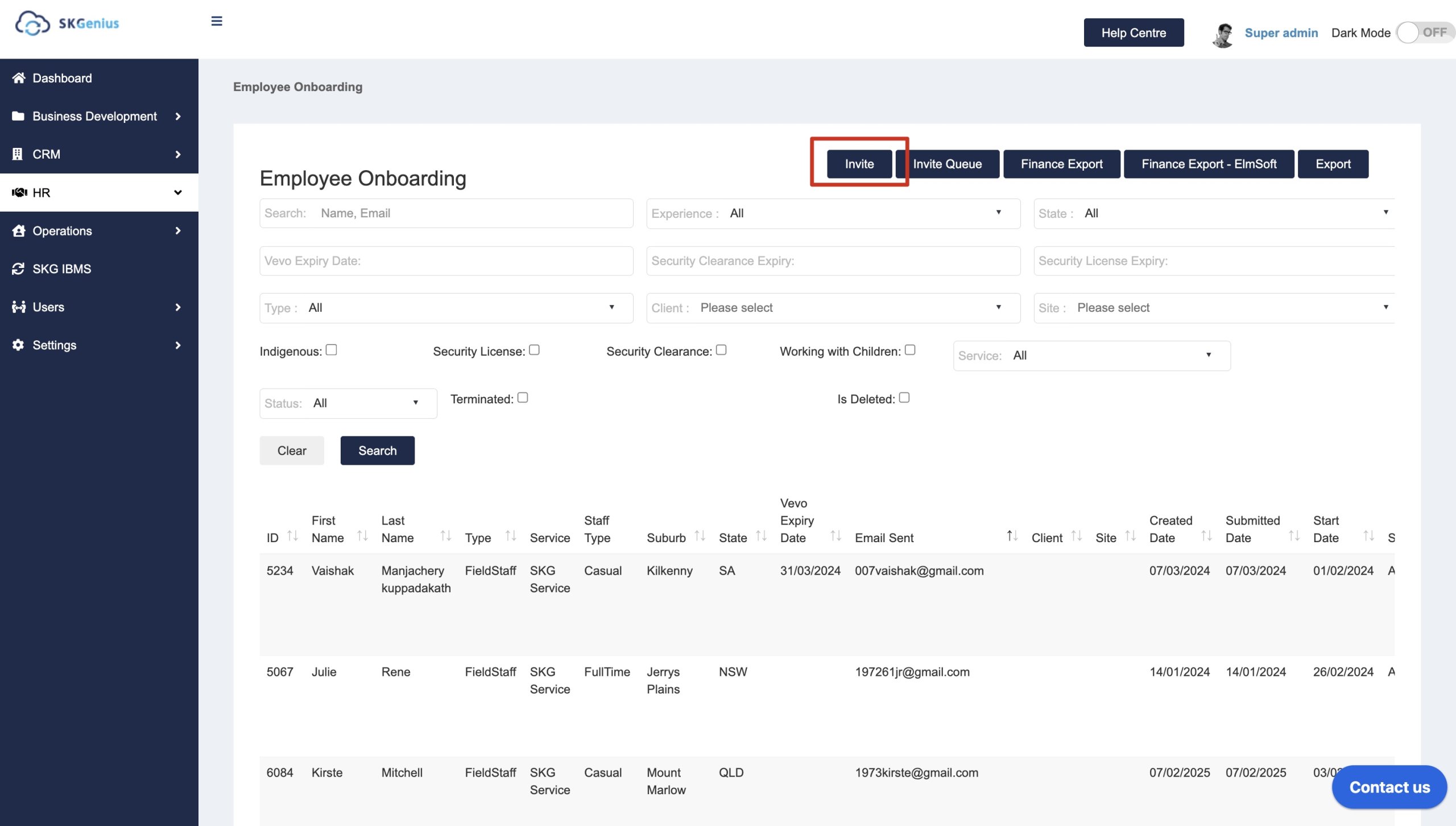
- Click the Invite Button
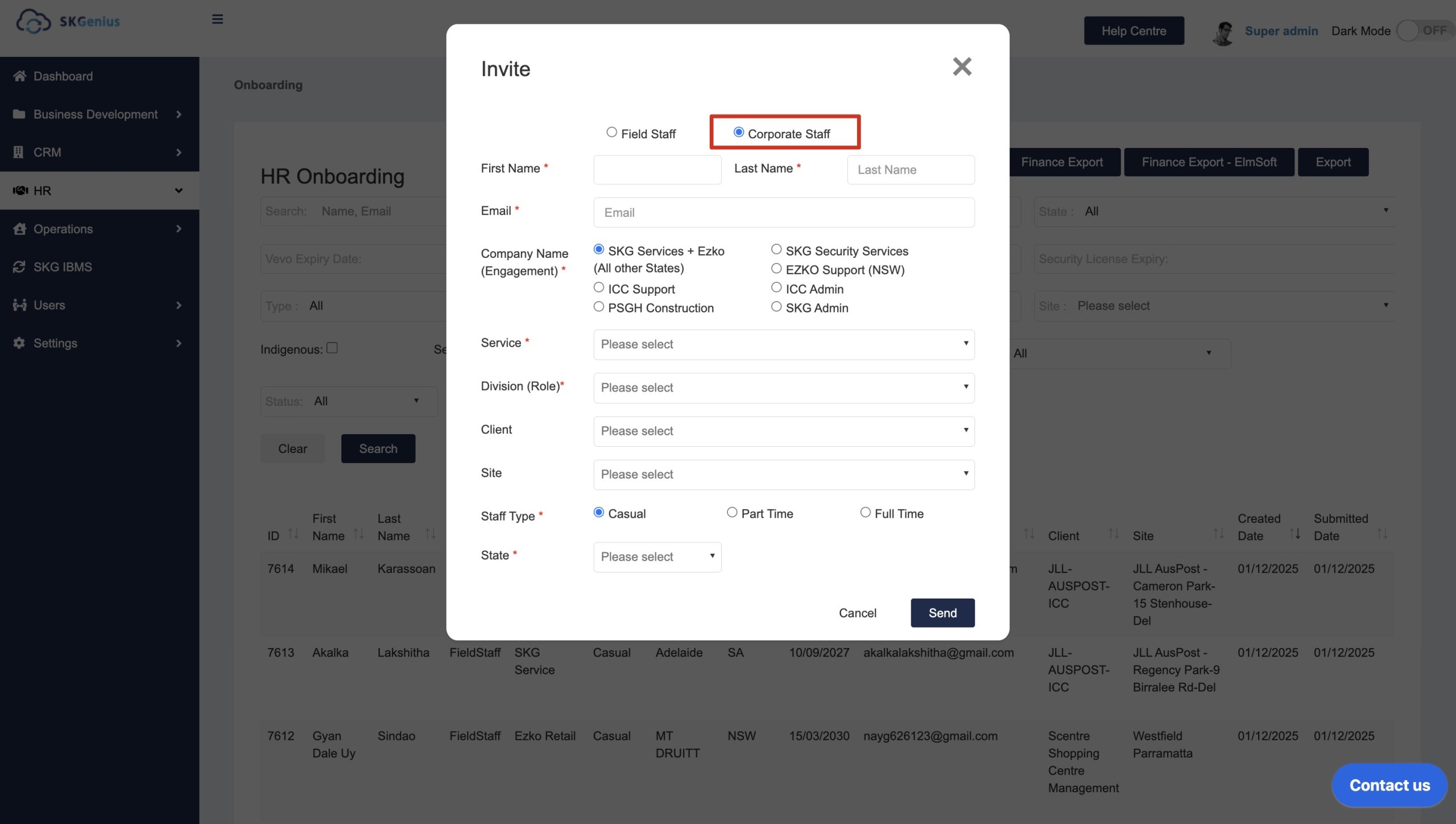
- Fill in the invitation details and send invitation email
Fill in Name and email, select the staff type, company name and state based on needs.
- Click “Send”, emailing the employee an invitation email
Below is the Invitation Email that will automatically send to the employee:
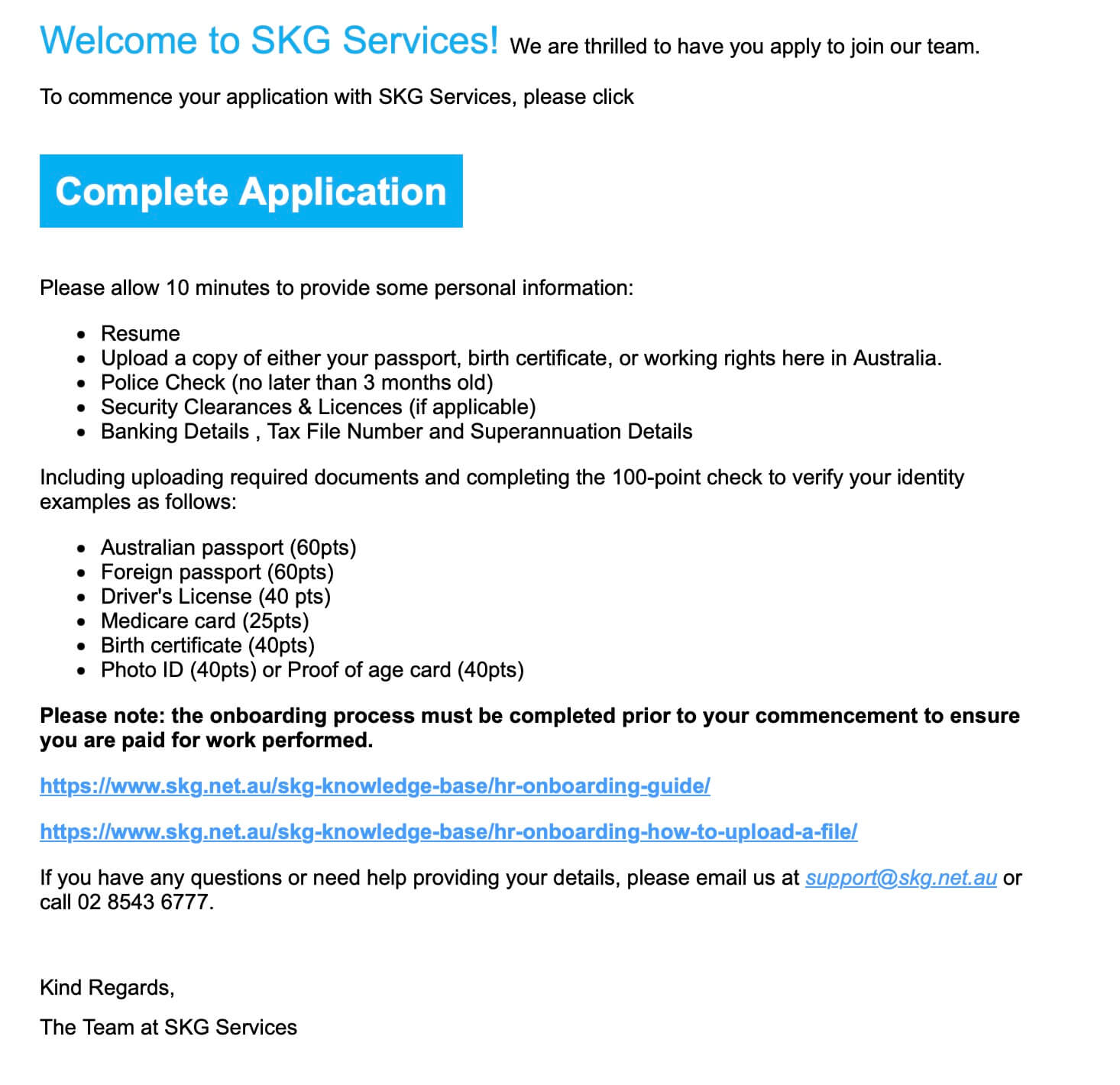
After clicking “Complete Onboarding”, the employee will fill in their 5-step form.
To see what the form looks like, view the HR Onboarding Cleaners Guide.
Table of Contents